
How to Add Products
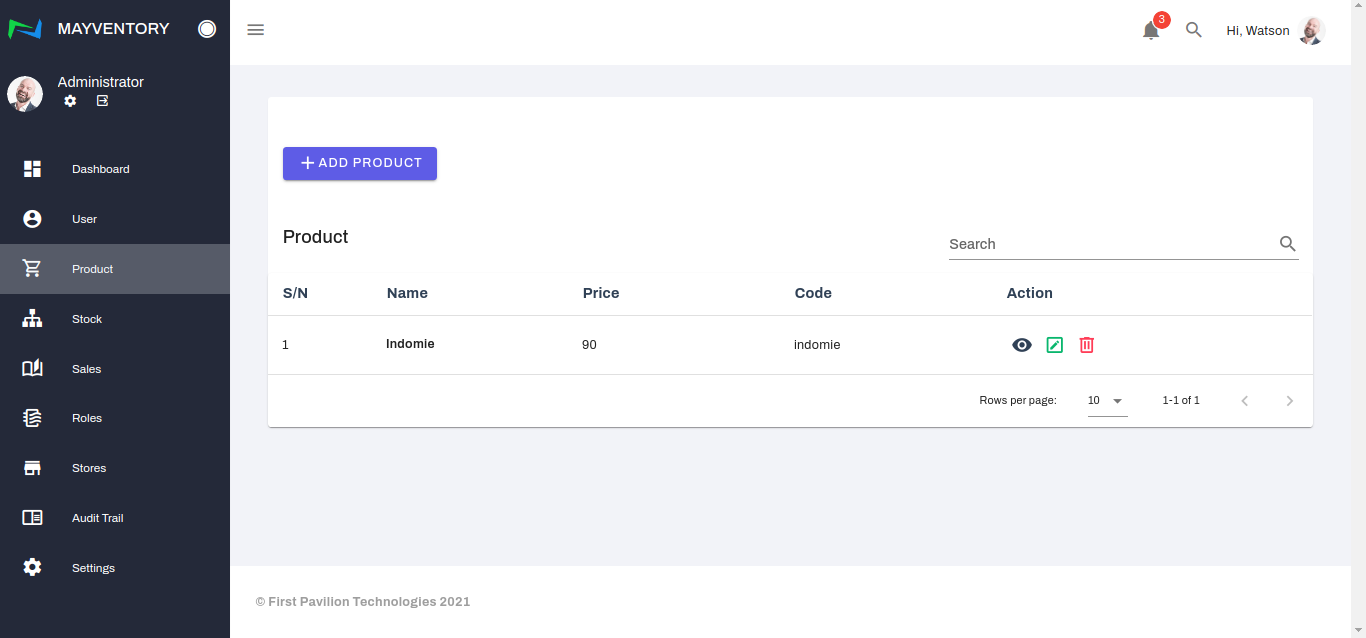
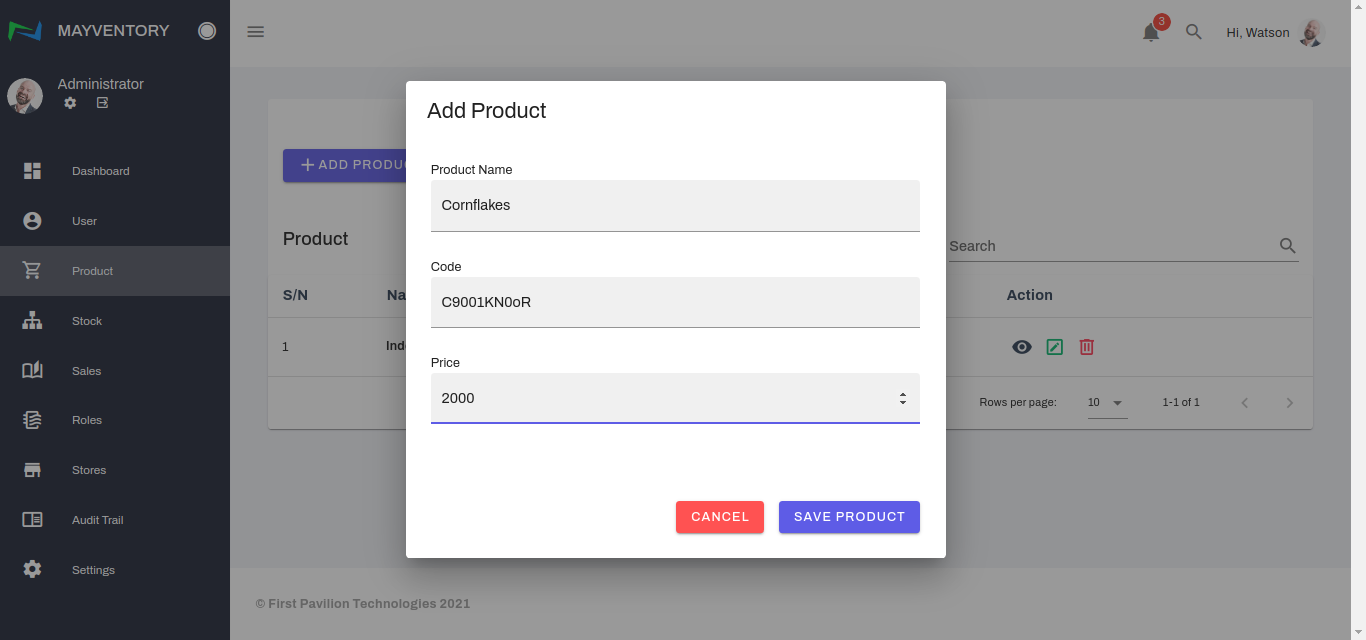
Go to Product from the navigation panel on the left side of the screen. Click on Add Product and a small window box pops up immediately.
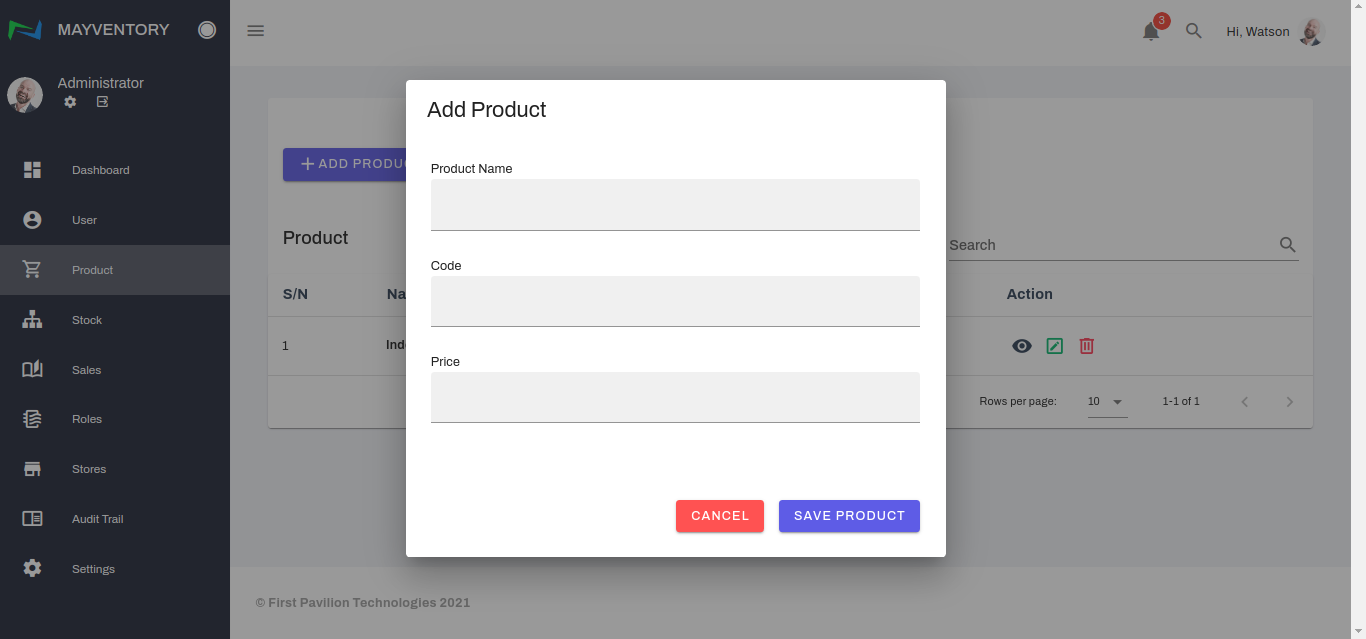
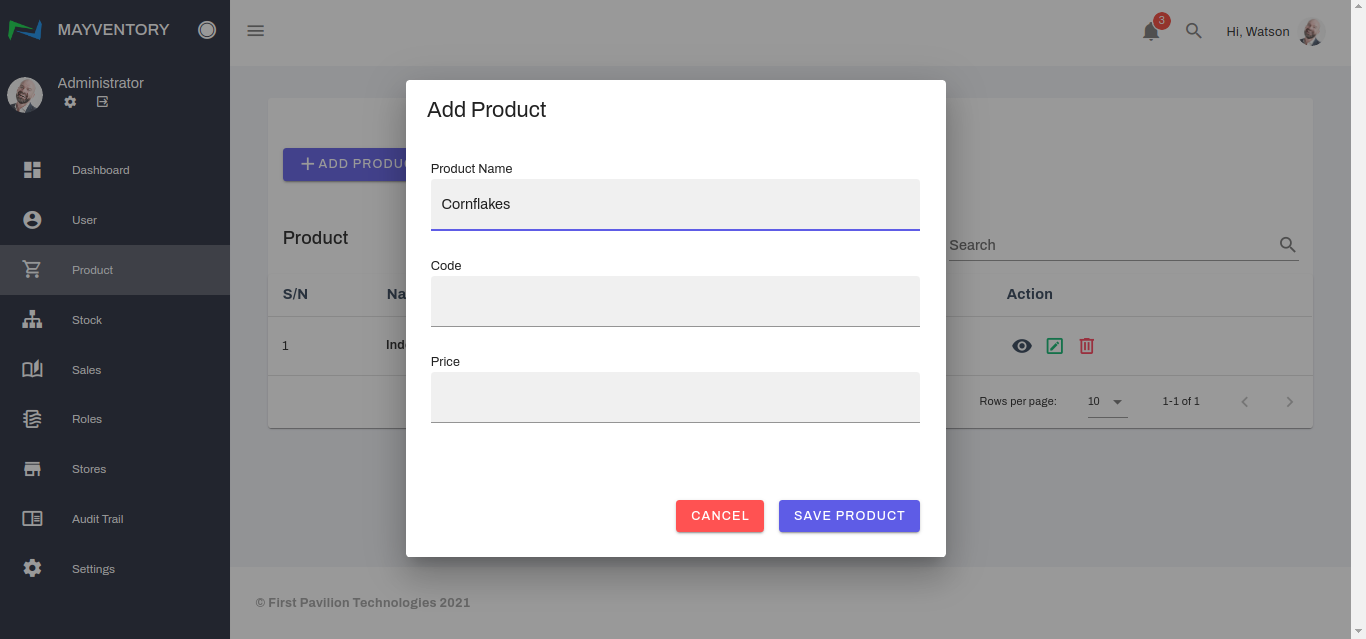
Fill in the name of the product in the Product Name box.
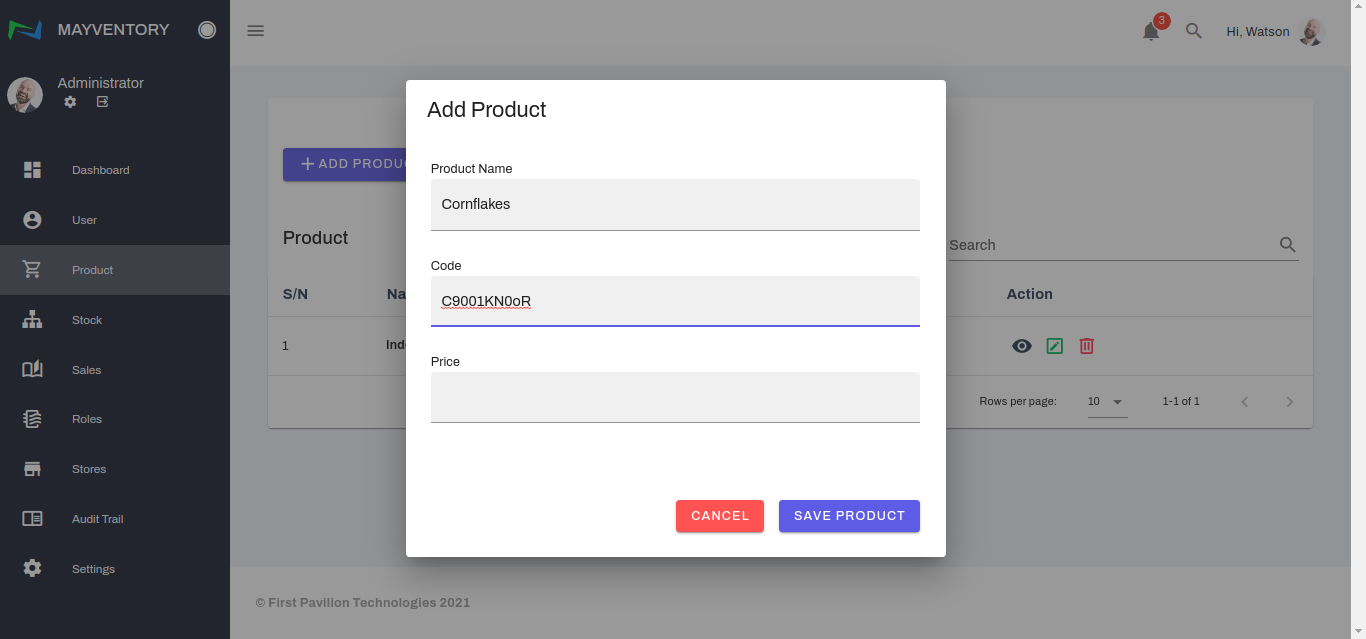
Fill in the code number of the product. This is to be unique and can be the code from a Barcode Scanner
Finally, fill in the price value of the product and click on Save Product to add it to the list of products.
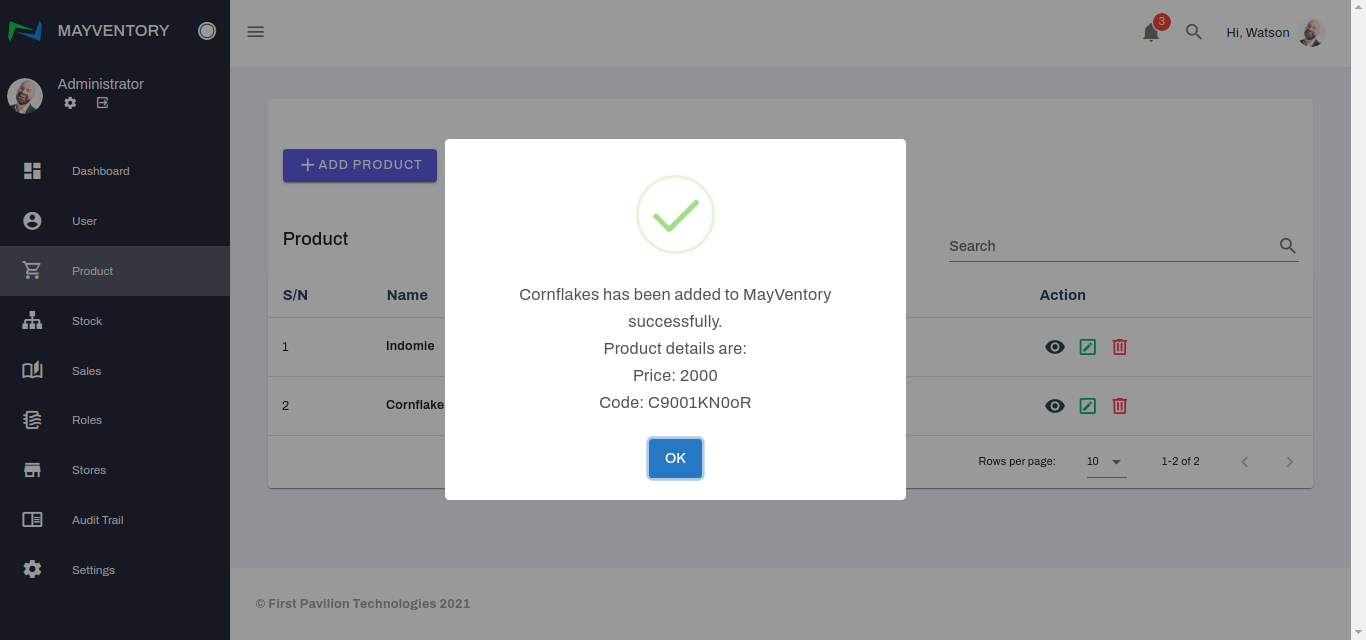
A confirmation tick like in the picture below will show up, indicating that the product was successfully added.
Last updated