
Sending Invoice via Mail
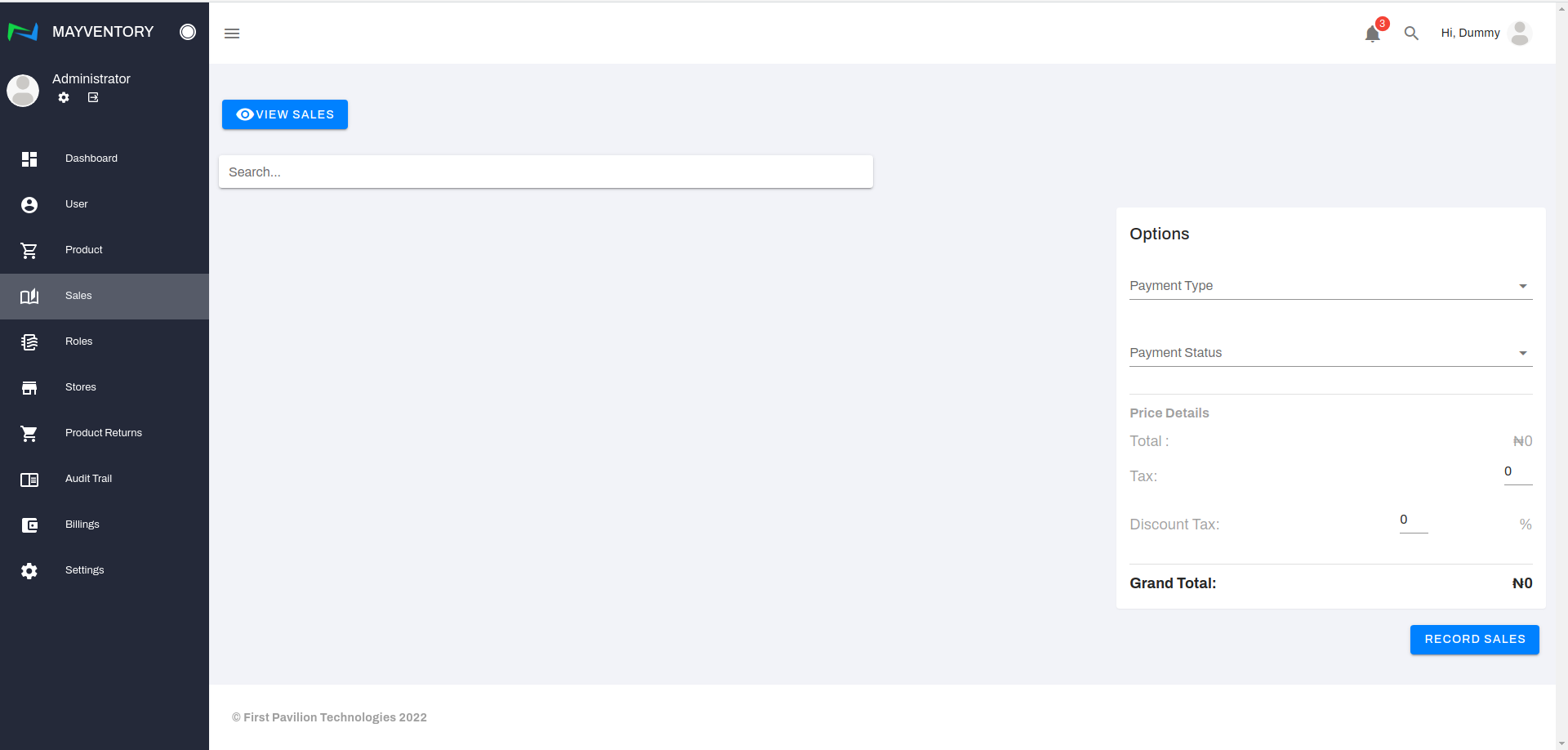
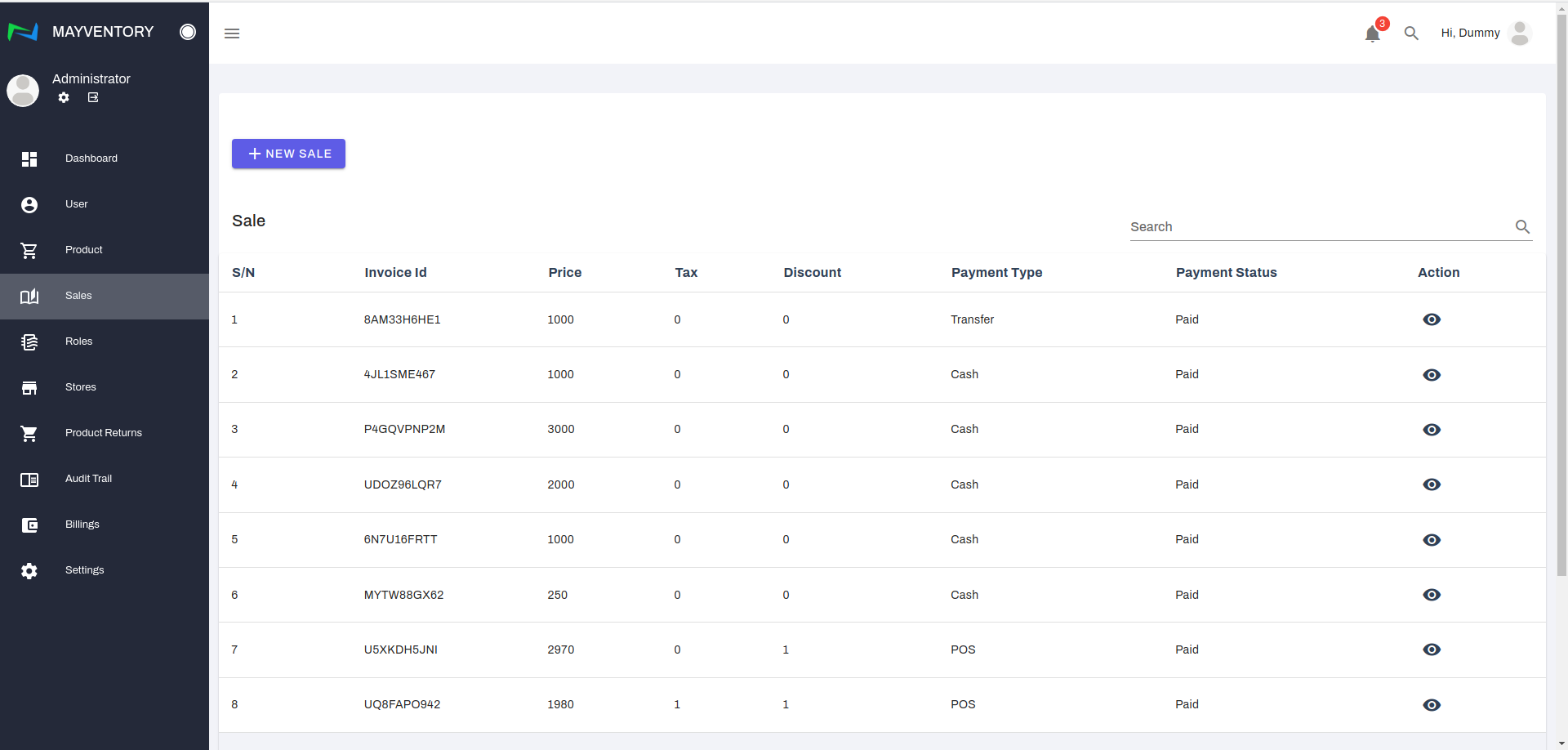
Go to Sales from the navigation panel on the left side of the screen. Click on View Sales and a new page containing a list of recorded sales comes up
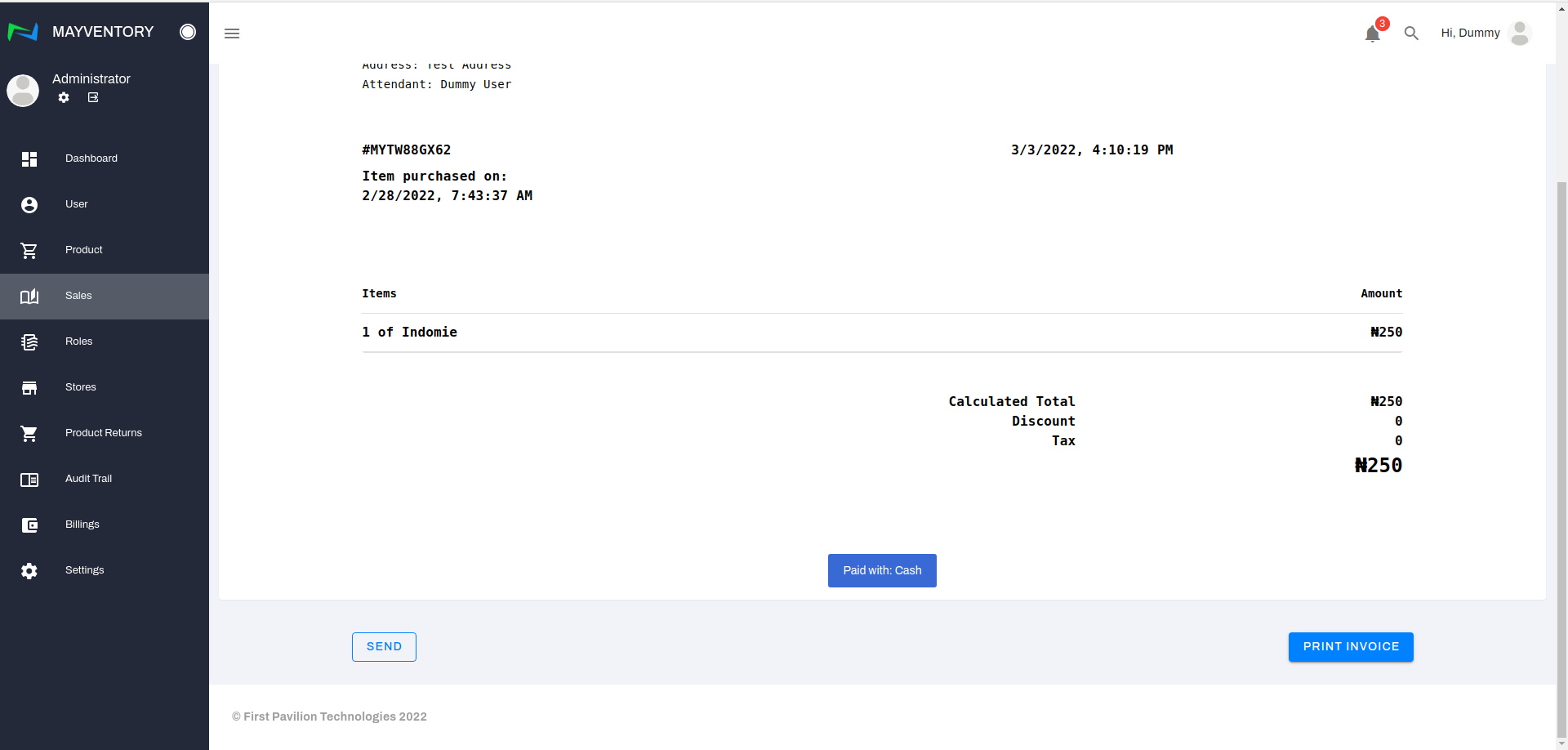
Locate the invoice you want to send and under the action column, click on the eye-like icon. You immediately get taken to a new page
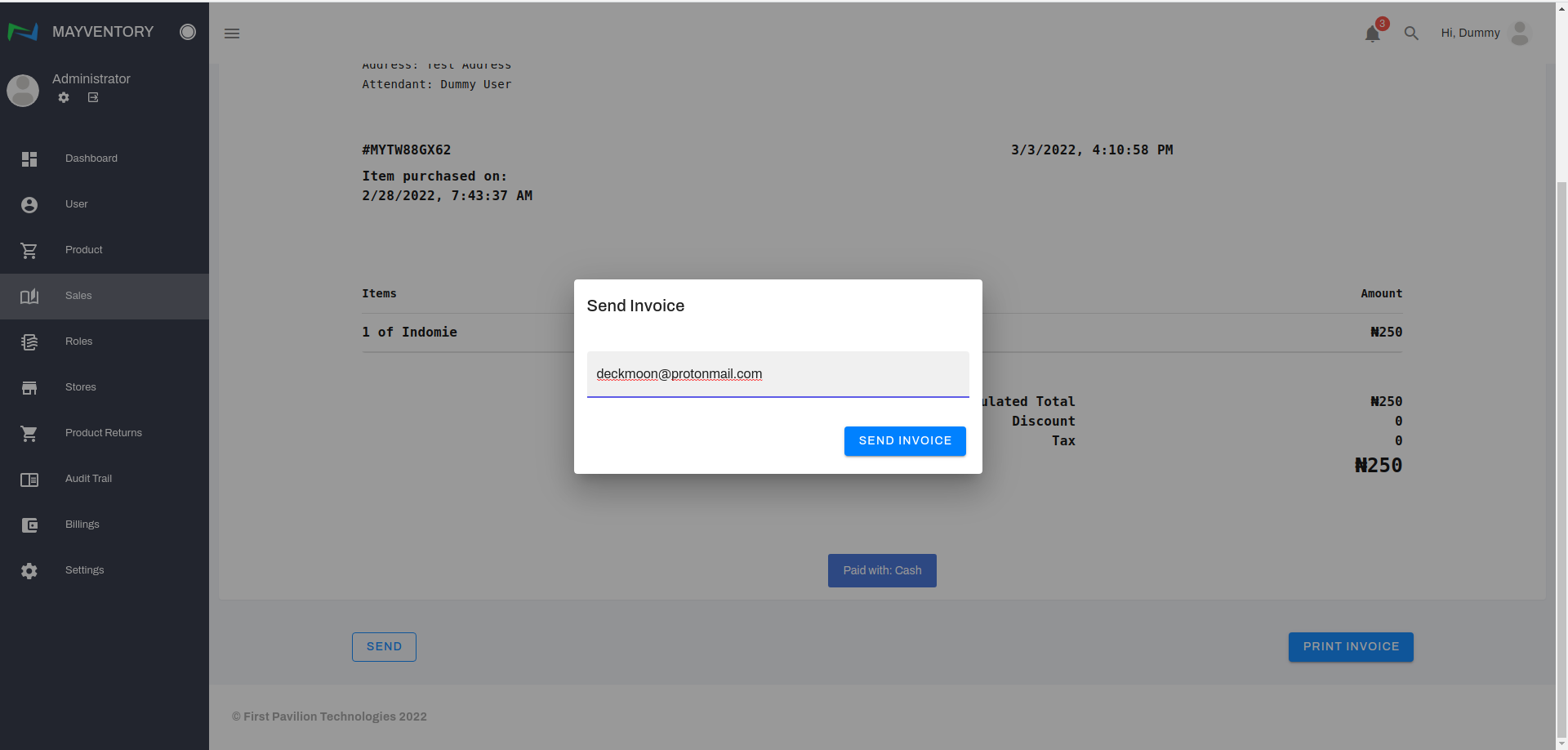
Click on the Send box and immediately, a small window box pops up.
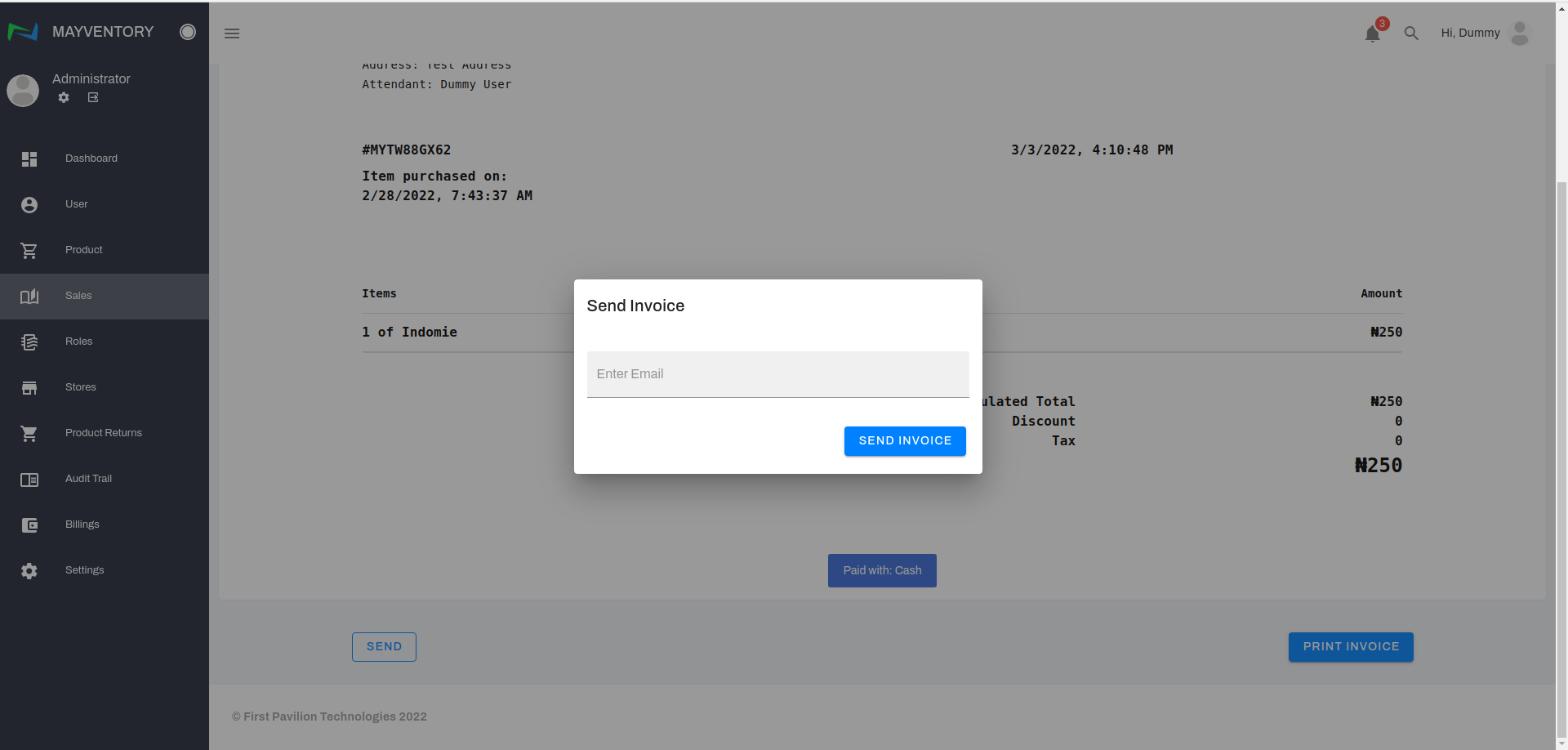
Enter the email address of the person you want to send the invoice to and click on Send Invoice.
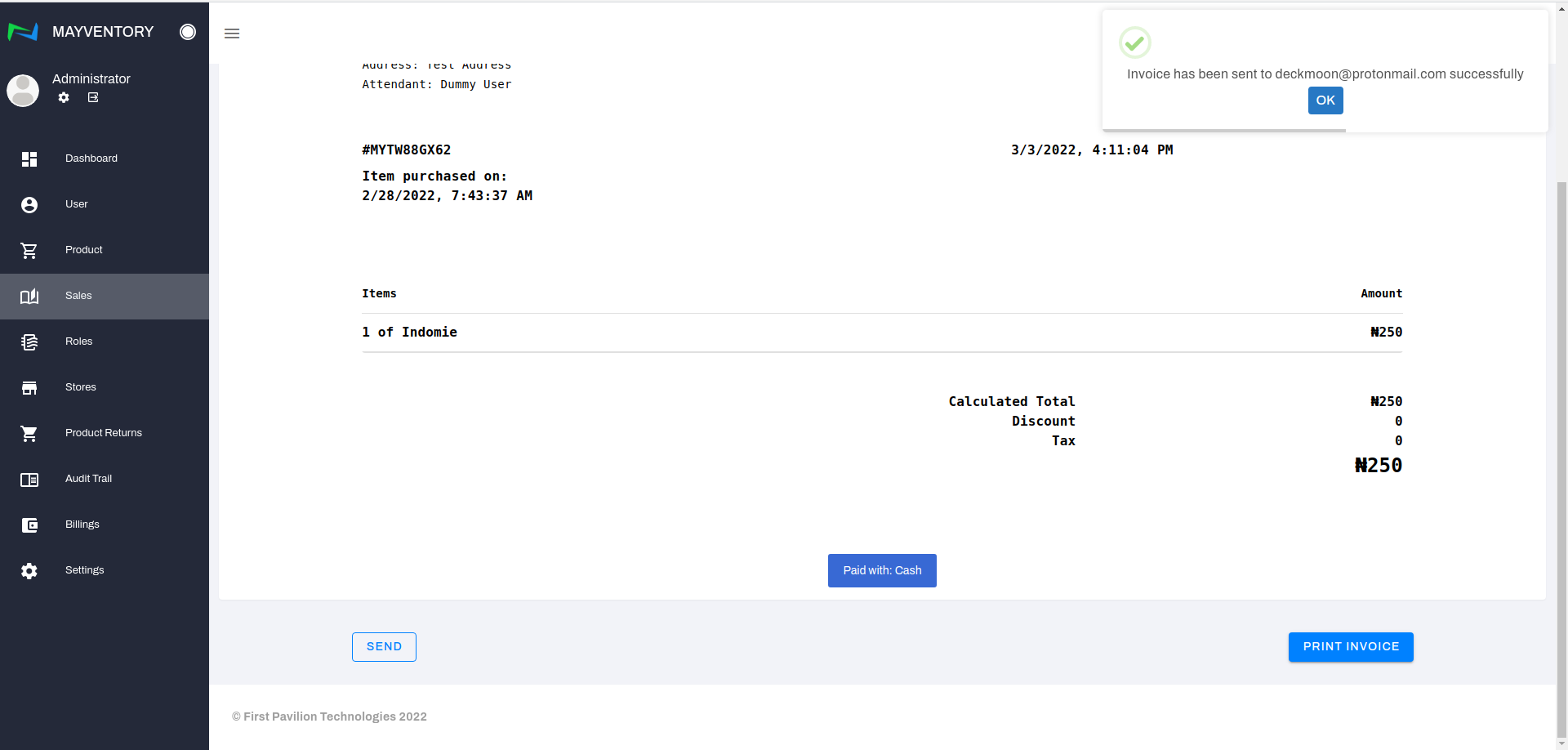
You will see a confirmation tick like in the image below if the invoice was successfully sent
Last updated